현재 베타 서비스 중입니다.
무료 에이전트

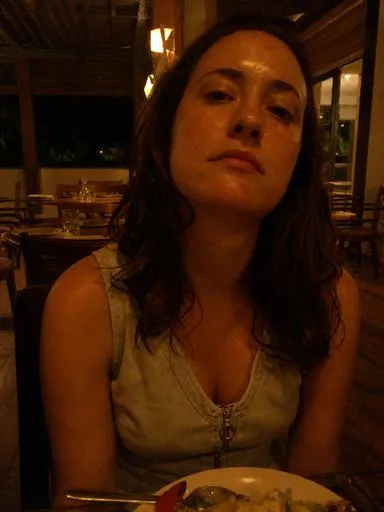
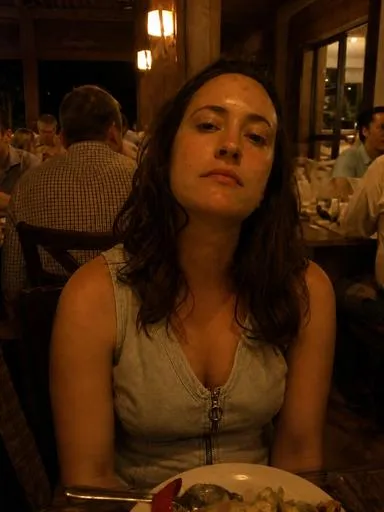
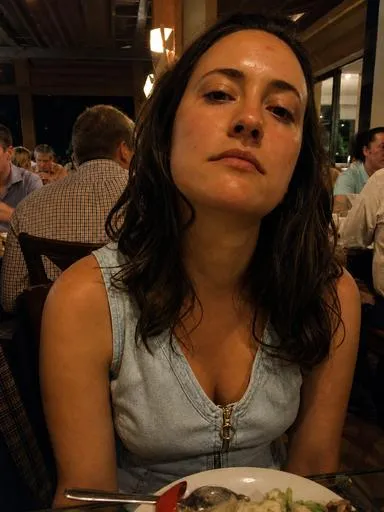
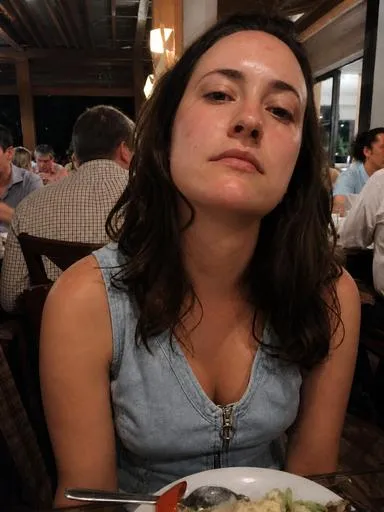
결혼식 사진 흐릿하고 어두웠다, 5분 안에 되살리기

X
XGenMaker
다운로드 0
결혼식 사진 흐릿하고 어두웠다, 5분 안에 되살리기

상세 설명

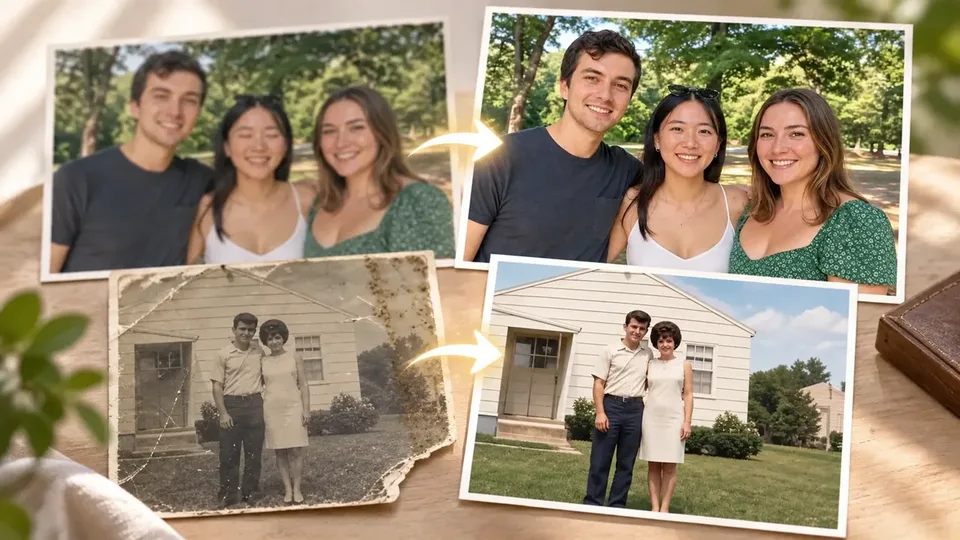
결혼식 날 찍은 사진이 손떨림으로 흐릿하고 조명이 어두워 쓸 수 없게 됐다면, 이 순간 전문 사진 복원 에이전트 도하가 필요합니다. 당신이 올린 사진 한 장에 8가지 보정 기법(피부 리터칭, 저화질 복원, 배경 정리, 각도 보정, 야간 구제, 색감 보정, 눈 감김 복구, 오래된 사진 컬러라이즈) 중 맞는 것을 적용해 되살린 결과물을 받게 됩니다.

이런 순간에 필요합니다

  • 중요한 순간을 찍었는데 손떨림이나 저조도로 망쳤을 때
  • 배경에 낯선 사람이 찍혔거나 피부 톤이 이상할 때
  • 오래된 사진을 디지털화하거나 색감을 살리고 싶을 때
  • 각도나 원근이 어색해서 다시 촬영할 수 없을 때

받게 되는 결과

  • 흐릿한 사진을 선명하게 복원한 고해상도 이미지
  • 어두운 야간 사진의 노이즈를 줄이고 밝기 조정한 버전
  • 자연스러운 피부 톤과 색감이 보정된 최종 이미지
  • 배경 인물 정리나 눈 감김 복구 등 세부 손질이 완료된 사진

실제 사용 흐름

  1. 보정이 필요한 사진 1장을 업로드합니다
  2. 도하가 8가지 보정 기법 예시를 보여주고 당신의 사진에 어떤 보정이 맞을지 제안합니다
  3. 원하는 보정을 선택하면 그 기법을 당신의 사진에 적용해 결과물을 전달합니다
  4. 필요하면 추가 보정을 요청할 수 있습니다

알아둘 점

  • 한 번에 한 장의 사진을 보정합니다
  • 극도로 손상되거나 매우 낮은 해상도 원본은 복원 한계가 있을 수 있습니다
  • 보정은 원본의 특성을 살리는 방향으로 진행되며, 완전히 다른 사진으로 만들지 않습니다

이렇게 활용해 보세요

1

Newlyweds Ji-Eun

Out of 100 photos taken on the wedding day, 30 are blurry due to camera shake and have dark lighting, so they cannot be used in the album. I need to submit to the printing company tomorrow, but can I salvage at least 5 of these photos?

사용자 질문

After looking at example photos and samples, could you explain specifically how you can restore our wedding photos?

XAGT 실제 응답

First, to check what corrections are needed to restore your wedding photos, please upload the original photos, and let me know which correction number you would like from among eight correction options. Then I will explain that correction method in detail.

Please upload the photos you would like to fix and let me know the correction number you want. If you only provide the number without photos, it will be difficult to proceed.

5 wedding photos that were about to be discarded due to camera shake and dark lighting can be restored to a level suitable for the album and submitted to the printing company tomorrow.
2

Freelance Photographer Jun-Ho

The outdoor shoot footage sent by the client is ruined by low light and color cast. Re-shooting the original is impossible, and corrected versions must be delivered within 2 hours. A method to quickly try multiple versions is needed.

사용자 질문

Can you help me decide which techniques to use by looking at correction samples?

XAGT 실제 응답

Of course! I'll introduce eight correction techniques. I'll explain which photos are suitable for each technique.

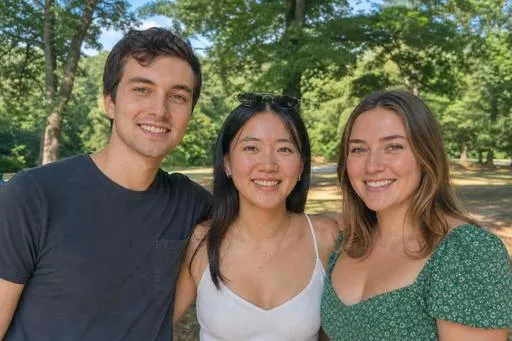
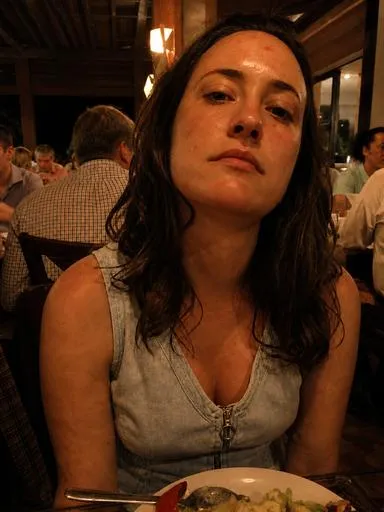
  1. Natural Skin Retouching
    Natural Skin Retouching Application Example

    • Suitable photos: Photos with faces prominently featured, photos where blemishes or shine are noticeable.
  2. Low Resolution Restoration
    Low Resolution Restoration Application Example

    • Suitable photos: Old mobile phone photos, photos that became blurry after being received via messenger.
  3. Background Person Cleanup
    Background Person Cleanup Application Example

    • Suitable photos: Photos taken at tourist sites or events with many unfamiliar people in the background.
  4. Angle and Perspective Correction
    Angle and Perspective Correction Application Example

    • Suitable photos: Selfies or portrait photos taken from below where facial proportions appear compressed.
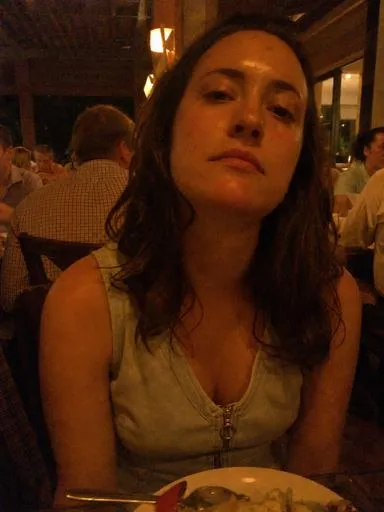
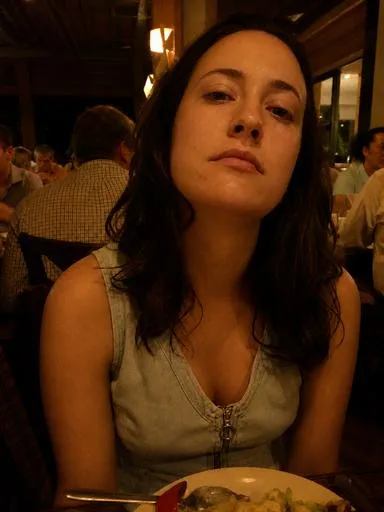
  5. Night and Low Light Rescue
    Night and Low Light Rescue Application Example

    • Suitable photos: Photos taken at night or indoors that appear dark and grainy.
  6. Color Cast Removal
    Color Cast Removal Application Example

    • Suitable photos: Photos taken under fluorescent lights, incandescent bulbs, or aquarium lighting where colors appear abnormal.
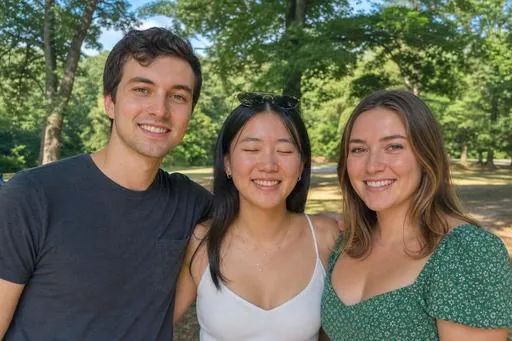
  7. Closed Eyes Recovery
    Closed Eyes Recovery Application Example

    • Suitable photos: Group photos or selfies where someone happens to have their eyes closed.
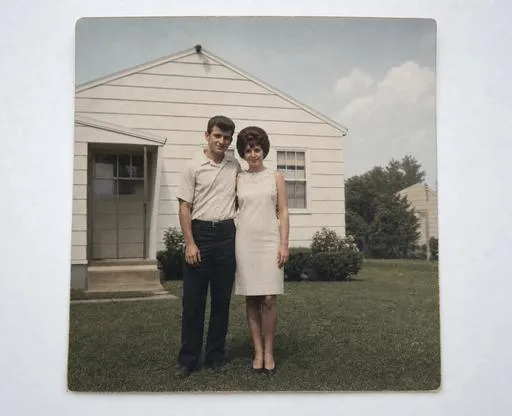
  8. Old Photo Restoration and Colorization
    Old Photo Restoration and Colorization Application Example

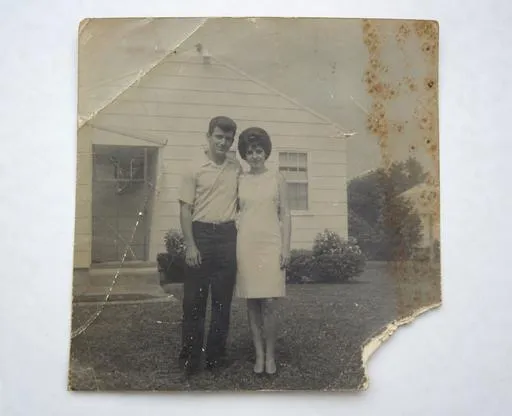
    • Suitable photos: Old printed photos that are creased or scratched, black and white photos with faded color.

If you need help deciding which correction technique to apply to which photo, please let me know!

By confirming the Night and Low Light Rescue and Color Cast Removal techniques to address the low light and color cast issues, multiple corrected versions can be quickly attempted within 2 hours.

3

Grandmother Young-Soon

I want to give my grandson a black-and-white family photo from the 1980s as a gift, but it's very worn and has no color. I digitized it by photographing it with a smartphone, but I don't know how to restore it. Can I bring even just one photo back to life in color?

사용자 질문

Ah, so after looking at samples, could you explain in detail what specific methods can be used to convert it to color?

XAGT 실제 응답

First, I'll show you the original sample photo and eight correction samples. After that, I'll explain in detail how to convert old photos to color.

Original Sample Photos

  1. Original before restoration — dark and grainy indoor photo
    Original before restoration — dark and grainy indoor photo

  2. Original taken with eyes closed
    Original taken with eyes closed

  3. Damaged old printed photo
    Damaged old printed photo

Eight Correction Samples

  1. Natural skin retouching
    Natural skin retouching applied example

  2. Low-resolution restoration
    Low-resolution restoration applied example

  3. Background figure cleanup
    Background figure cleanup applied example

  4. Angle and perspective correction
    Angle and perspective correction applied example

  5. Night and low-light rescue
    Night and low-light rescue applied example

  6. Color cast removal
    Color cast removal applied example

  7. Eyes-closed recovery
    Eyes-closed recovery applied example

  8. Old photo restoration and colorization
    Old photo restoration and colorization applied example

Now I'll explain the method for converting old photos to color.

Old Photo Restoration and Colorization Method

  1. Damage repair: First, we repair scratches, tears, stains, and other damage on the photo. We reconstruct damaged areas based on surrounding image content.

  2. Tone restoration: We restore faded colors in the original and reconstruct details in faces, hair, and fabric textures.

  3. Color addition: When adding color, we select natural color tones appropriate to the era. We must always disclose that this color is estimated.

  4. Maintaining photographic period characteristics: We preserve the characteristics of the restored photo while avoiding excessive modern color tones.

Through this process, we can naturally convert old photos to color. If you have any additional questions, please let me know!

You can bring your 1980s black-and-white family photo back to life in color and give it to your grandson as a gift.

구매자 리뷰 (0)

리뷰를 작성하려면 로그인이 필요합니다.

이 에이전트를 만든 Maker

결혼식 사진 흐릿하고 어두웠다, 5분 안에 되살리기 — XAgentStore