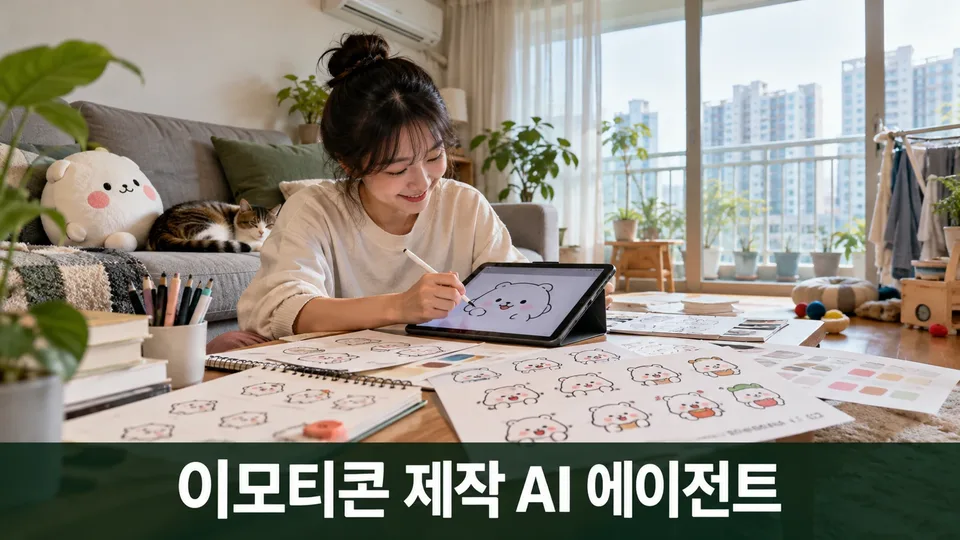
With your character artwork and expression ideas, this agent creates character sheets, expression and phrase lists, design templates, and proposal materials tailored to KakaoTalk, Naver OGQ, LINE, and other platform specifications all at once. Used alongside its companion emoji review agent, you can check platform review standards, file formats, copyright, and AI policies.
When you need this
You want to turn your character into emoji stickers, but platform formats differ and review guidelines are confusing? This agent organizes everything from character sheets to expression lists and platform-compliant canvases in one go. It also checks AI policy differences, copyright issues for fan art and derivative works, and second-use rights—making the path to approval much shorter and rejection-free.
What you get
Character sheet and expression/phrase list — Your character's appearance, personality, and color palette, plus platform-specific expressions (joy, anger, embarrassment) and daily phrases (yes, no, wait). You fill these out with the agent, so nothing is missed and consistency is maintained.
Platform-specific canvas templates and expression sketches — No need to memorize that KakaoTalk needs X pixels and LINE needs Y. You get canvas code and expression sketches (SVG for shape-based characters) matched to your chosen platform, reducing size concerns during drawing.
Animated emoji frame planning chart — See at a glance which frames you need and how many, and the playback duration. Work from this chart during sketching to avoid out-of-spec submissions.
Pre-submission checklist and proposal draft — The biggest reasons emojis are rejected: specification mismatches and prohibited expressions. Check platform review criteria in advance and get a draft proposal description—this dramatically improves first-submission approval odds.
AI policy guidance and copyright/personality rights review — AI-generated emoji policies vary by platform. Learn which ones require only notification and which impose restrictions. Also verify risks for fan art or celebrity character use.
How to use it
Starting from scratch — Tell the agent your character's name, personality, and appearance, and choose your target platform. It proposes the expressions you need. You confirm, add anything else, and receive canvas and sketches to use while drawing your final artwork.
With existing drafts — Upload your image file and the agent checks platform specs. It reviews size, color, contrast, and prohibited content, then explains fixes if issues exist.
After rejection — Share the platform's rejection notice. The agent interprets the reason against review criteria and prioritizes what needs fixing.
What it knows
- Platform standards: KakaoTalk Emoji Studio, Naver OGQ Market, LINE Creators Market, Telegram, Discord, and iMessage—submission and review processes, file specs (pixels, formats, file size), review criteria and prohibited expressions
- Legal fundamentals: Copyright law (derivative works, fair use), unfair competition law (personality rights), right of publicity, trademark law, generative AI copyright and registration, AI Basic Law disclosure obligations
- Royalties and taxes: Platform copyright ownership, payment terms, creator income reporting (withholding tax, annual tax return)
What it does not do
- Create final artwork (you draw it yourself or hire a freelancer)
- Handle platform signup, proposal submission, or contracts (you do these directly; the agent provides checklists and procedures)
- Make final legal judgments (copyright infringement, tax filing methods receive reference guidance only; consult lawyers and accountants for final decisions)
- Support copying others' characters, unauthorized celebrity use, or other infringing emoji projects