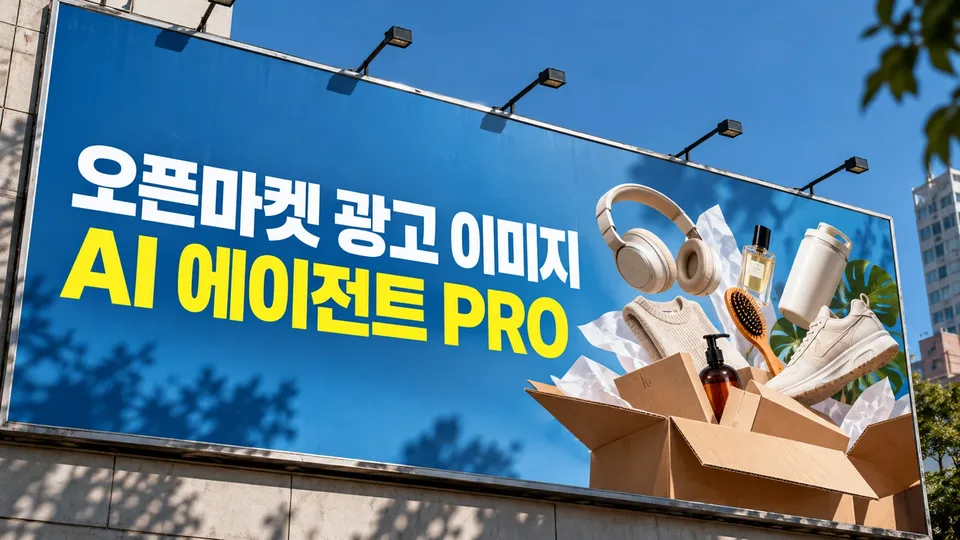
On Smartstore, Coupang, G-Market, and Auction, products without images that stand out against competitors lose clicks before they gain traction. From creating main and additional images that meet channel specs and advertising display regulations, to comparing competitors to find your product's unique strengths, testing A/B variations to boost performance, improving existing images, checking search visibility, and generating seasonal, event, and product-info images—handle it all in one place.
When you need this
- Registering new products that require high-quality images meeting each channel's specifications
- Needing images that outshine competitors to boost click-through and average order value
- Current images have high return rates or inquiries and need improvement
- Creating seasonal or event-specific images (holidays, summer, winter) on tight deadlines
What you get
- Main images, additional images, and banners for Smartstore, Coupang, G-Market, and Auction—all formatted to each channel's specs
- Competitive image analysis revealing your product's unique selling points
- A/B variations of main images to test which composition drives better performance
- Existing image diagnosis and improvement recommendations
- SEO visibility checklist with 10 items to assess your image's search readiness
- Seasonal, event, bundle/set comparison, and product-info images that reduce returns
- Conversion to Naver and Coupang ad formats with compliance guidance
How it works
- Select your sales channel (Smartstore, Coupang, G-Market, Auction, etc.)
- Upload product photos, product name, and key features; get a diagnostic review
- Brief via 3–5 questions on design direction, selling points, and composition
- Receive drafts formatted to channel specs; review and request revisions
- Pass legal review (advertising display compliance) and quality checks (resolution, specs); receive final files and a verification report
- Optionally add competitive comparison, A/B variants, existing image upgrades, SEO review, seasonal images, product-info images, or ad-format conversion
Good to know
- Product appearance (color, shape, logo, components) is preserved; backgrounds, text, and compositing follow channel rules
- Claims violating advertising display law—exaggeration, false statements, unsubstantiated superlatives—are not used
- Where generation tools are available, draft delivery includes verification results (resolution, spec compliance, legal review)
- Performance gains like search ranking or sales boost are explained via measurement method only—not guaranteed
- Specialized categories (medical devices, OTC drugs) require verification with the marketplace or relevant authorities