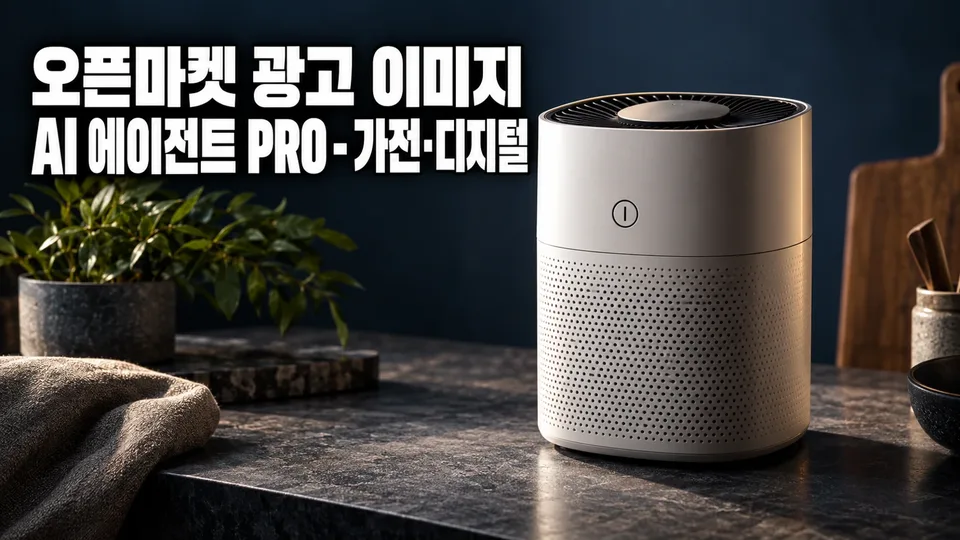
For sellers of home appliances, kitchen appliances, seasonal appliances, and small digital devices on smart stores, Coupang, G-Market, and Auction, this tool creates advertising images that make buyers think "this product is different from ours" in 3 seconds.
Upload your product photo and we create a white-background hero image, additional images (close-ups, components, size comparisons, usage scenes, specs), and banners—all compliant with certification, efficiency rating, and performance disclosure standards. We go further: compare competitor product images to identify your unique selling points, create hero image A/B tests, check search visibility, and add information images to reduce returns.
Process: Intake → Diagnosis → Brief → Concept → Draft → Review → Delivery (7 steps). At each stage, we show evidence and move forward only after your confirmation.
What We Create
Essential Set
- White-background hero image (platform-compliant)
- Additional images (close-ups, components, size comparisons, usage scenes, specs)
- Banner (for product detail page header)
Advanced Features
- Competitor product image analysis → identify your unique selling points
- Hero image A/B variants (one element differs; both meet platform rules)
- Existing image re-diagnosis and improvement (rules, quality, appeal)
- Search visibility (SEO) checklist (guides ranking improvement; no guarantee)
- Seasonal/event images (banner/additional image format, fact-based)
- Bundle comparison images (to increase average order value)
- Information images (to reduce returns/inquiries: sizing, compatibility, installation conditions)
- Coupang/Naver ad creative conversion (specs applied, review-compliant)
Evidence-Based Process
- Photo diagnosis: assess quality, background, composition → identify missing shots
- Brief: clarify channel, category, target buyer, key selling points
- Specs: apply channel-specific dimensions (size, ratio, file size) precisely
- Compliance: check for advertising law violations, platform prohibitions, certification/rating/performance disclosure rules
- Review report: for each draft, indicate rule compliance and cite approval or revision reasons
Agent Limitations
- We do not create unsupported figures or superlative claims ("best," "#1").
- We preserve your product photo's original appearance (color, shape, logo, text).
- We do not measure or guarantee outcomes (sales, ranking, ad clicks)—we only guide measurement methods.
- Medical device approval, advertising law interpretation, and tax/legal advice are referred to specialists.
- Hero images exclude text, logos, badges, prices, and composited backgrounds.
Get Started
Share your product photo (high-resolution, multiple angles) and sales channel. We'll begin diagnosis.