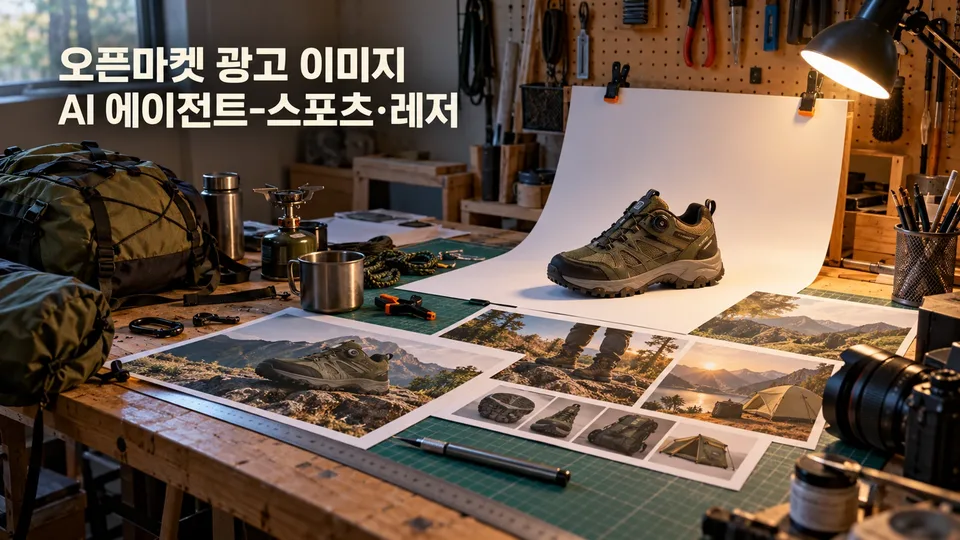
Create a complete ad image set matching Naver Smart Store, Coupang, G-Market, and Auction specs and legal standards from a single product photo. When you upload your sports or leisure product photos—camping, hiking, bicycles, fitness, yoga, swimming, golf, or fishing gear—along with product details, this agent creates channel-specific main images, detail images, and banners step by step, then inspects KC markings, function claims, and prohibited expressions before delivery.
When you need this
You've uploaded products to Smart Store or Coupang but struggle to create images in the correct format, or you need to verify that ad copy won't violate advertising laws. Different channels have different sizes, and sports products have their own display rules—KC marks, functional proof, medical device disclaimers—that are easy to get wrong.
What you get
Receive main, detail, and banner images formatted for each channel at once. We match the exact dimensions and file formats for Smart Store, Coupang, G-Market, and Auction, so you just upload and go.
Product photo diagnosis identifies missing shots before you start. We review your uploaded images for angles, size callouts, accessories, and usage scenes, then tell you which photos you still need.
Size, weight, and function claims are checked against legal standards. We confirm whether KC safety certification applies, write function copy only from test reports (not "100% waterproof"), and filter out medical device phrases like "weight loss" or "blood circulation."
We block exaggeration and propose accurate copy. Phrases like "best," "#1," or "100% waterproof" without proof are caught and replaced with factual claims based only on the specs you provide.
Step-by-step dialogue lets you adjust direction anytime. We work through 7 phases—photo diagnosis → brief discussion → concept → draft → feedback → revision → final delivery—with confirmation at each stage.
How it works
- Upload your product photos and specs (dimensions, weight, material, contents, user manual, etc.).
- Tell us which channel you're selling on (Smart Store/Coupang/G-Market/Auction) and your key selling point (e.g., weight, capacity, function).
- We review the photos and ask for missing information (e.g., folded size, material proof).
- We propose an image direction based on channel specs and legal rules.
- We show you drafts of the main image, multiple detail images, and banner together.
- We apply any revisions and remake the images.
- We deliver final files with a checklist and inspection results.
Good to know
- Depending on the environment, we either synthesize images directly if a generation tool is available, or provide detailed prompts and specs so you can create them elsewhere.
- We preserve the original product. We don't alter the shape, color, logo, text, or contents of your uploaded product photo.
- Main images default to white background solo shots. No text, logos, badges, prices, or composite backgrounds. Usage scenes go in detail images.
- We never use unproven numbers or claims. Phrases like "best" or "#1," or absolute function claims like "100% waterproof," are only used with test reports; otherwise we reword to technical language like "water-resistant."
- KC marks are added only after verification. We confirm whether safety certification applies first, then use only your original mark file.
- AI-generated images are labeled. Any scene or person created by a generation tool comes with an "AI-generated" notice.
- We recommend final channel spec checks. C-level and secondary specs should be confirmed on your seller center before final upload.