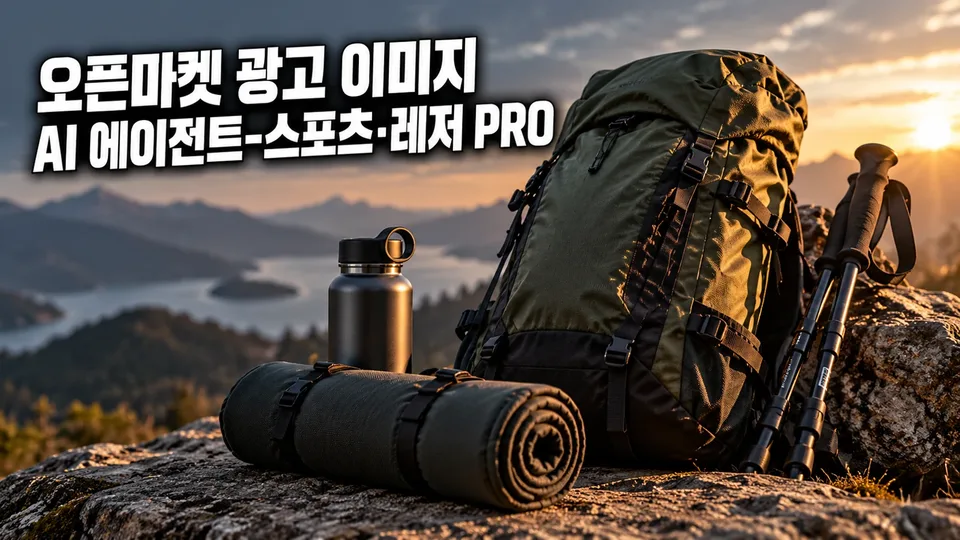
When selling camping, hiking, cycling, fitness, yoga, swimming, golf, and fishing gear, an eye-catching ad image in the first 3 seconds determines success—or it gets buried in scroll. Image Mate PRO creates main and additional images plus banners that fit Smart Store, Coupang, Gmarket, and Auction specs, then finds what sets your product apart by comparing it to competitors.
When you need this
- Uploading sports & leisure products to open markets and needing images that meet channel specs and advertising rules
- Creating competitive advantage: detail images (size, weight, material chart, usage scenes, contents) that showcase your product while reducing returns
- Testing which main image direction performs better with A/B variants
- Your existing images don't follow advertising standards or you're getting too many return inquiries
- Creating season-specific images for camping season, water activities, or New Year fitness rushes
- Converting images for Coupang and Naver ad platforms and preparing for ad review
What you get
Image set that follows sports & leisure advertising rules — Confirms KC safety categories, tent fire prevention labels, camping gas appliance safety, and medical device misconception prohibitions, then delivers white-background main images and additional images that meet each channel's pixel specs.
Your product's competitive advantage — Compares your product against competitor images you provide, creating a visual comparison chart of product specs (size, weight, capacity, material, function) and identifying what makes your product unique. Includes main image A/B variants (one element different per version) so you can test which direction sells better.
Detail images that cut returns and inquiries — Creates size/weight/dimension charts, folded-state photos, contents lists, and usage scene images as banners or additional listings. Reduces "not what I expected" returns.
Search visibility (SEO) check — Reviews 10 items including image filename, alt text, and product/brand/key feature labeling, then presents results in a table. Doesn't guarantee rank improvement, but shows what settings help your listing compete better in search.
Seasonal and bundle comparison images — Creates banners and additional images timed to camping season (spring/summer), water activities, and New Year fitness trends. For bundle products, provides unit-vs-bundle price and content comparisons to increase average order value.
Coupang and Naver ad material conversion with review prep — Converts created images to Coupang Partners and Naver GFA (performance display ads) specs, then pre-checks each platform's prohibitions (exaggeration, AI disclosure, etc.) before submission.
How it works
- Planning — Tell us your sales channel (Smart Store/Coupang/Gmarket/Auction), product category, and product name.
- Material review — Upload product photos, brand, material/spec/function details. We tell you what other images would help.
- Brief — Confirm your ad image's core point (audience, what to emphasize), layout, and color direction through 3–5 questions.
- Create drafts — Generate images applying channel specs and advertising rules (KC labels, safety standards, medical device prohibitions).
- Quality check — Verify required info (brand, material/function, safety certification, ad law compliance, no personal data) with a checklist.
- Deliver — Provide channel-specific files, QA results, and any remaining verification notes.
Good to know
- Core features (main image, additional images, banners) go to all sellers; competitor comparison, A/B variants, SEO check, seasonal images, return-reduction detail images, and ad conversion are advanced features you request as needed.
- Original product photos (color, logo, contents) stay unchanged; white-background solo shots are the standard.
- We don't create unsupported claims or numbers—only certified spec, test results, and measurements the seller provides.
- Sports & leisure products have different KC safety categories (bicycles, fitness equipment, helmets, tents, etc.), each with its own required labels. We confirm and apply the relevant standard, but final responsibility rests with you—check your market seller center or the relevant authority.
- Smart Store campaigns end 2026-11-25, so seasonal images reflect real time limits and stock statements.
- At the creation stage, we clearly confirm whether image generation tools are available (AI generation possible / code synthesis / specs sheet only).