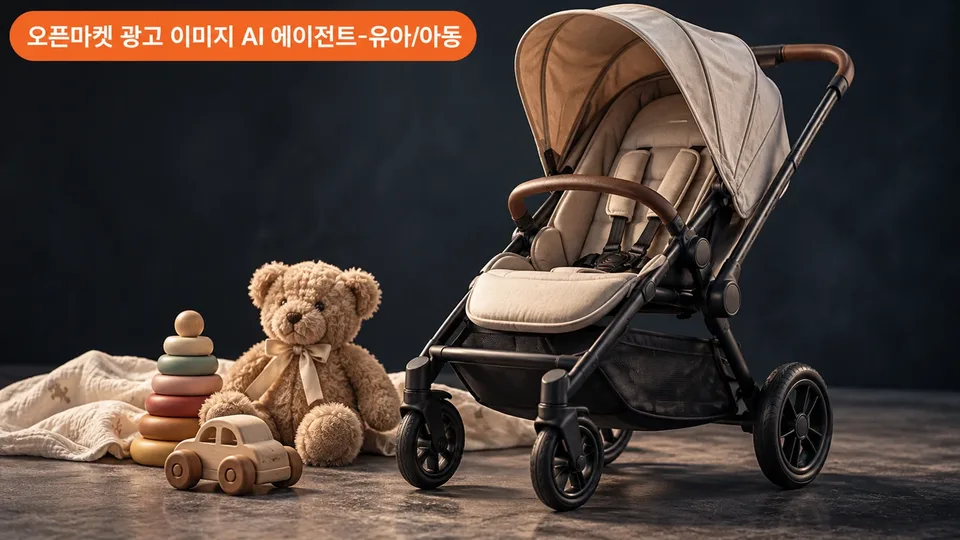
Selling baby strollers, car seats, toys, and children's clothing on Smartstore, Coupang, G-Market, or Auction, but struggling to create ad images that meet legal labeling and channel specifications? Upload your product photos and the agent automatically checks market-specific formats, children's product KC standards, and safety requirements while building mockups with you and handling final verification.
When you need this
- When registering new kids and baby products (strollers, car seats, baby carriers, cribs, toys, clothing, furniture, nursing products) on Smartstore, Coupang, G-Market, or Auction, or improving existing images
- When you need to match each marketplace's image specifications (resolution, aspect ratio, file size)
- When you want to ensure legal labeling items (KC certification marks, recommended age, warning statements) are not missed
- When your submission was rejected or flagged for regulation violations by seller centers and needs correction
What you get
Channel-specific main images and additional image mockups — Product images (single-shot with white background as standard) automatically formatted to each marketplace's recommended resolution and file size (Smartstore, Coupang, G-Market, Auction)
Automatic legal labeling checklist — KC certification category (safety certification, safety confirmation, supplier conformity self-declaration), recommended age, size/weight limits, material close-ups, warning statements cross-checked against product specifications, with missing items flagged
Step-by-step brief and verification results — Information organized in a summary table after the first conversation, followed by pass/fail status and remaining review items provided as documents after mockup presentation
Safe usage scenes and component images — Additional images including child models (with guardians present, proper positioning), component layouts, folded dimensions, and material details formatted to marketplace specifications
Product detail first screen and banner drafts — Initial banner designs matching each marketplace's format, saving upload time on seller centers
How it works
- Product photo and information collection — Seller provides product photos and basic information (product name, marketplace selection, KC certification details)
- Photo diagnosis and brief — Agent reviews photo appearance, color, and features; asks about missing information (recommended age, materials, included items, etc.); presents summary table
- Mockup design and presentation — Creates and presents main image and additional image mockups applying channel specifications and KC labeling standards
- Verification and revision — Automatically checks legal labeling, channel specs, and safety requirements; reports results and incorporates seller feedback for revisions
- Final delivery — Provides file list, completed verification checklist, and remaining action items (e.g., seller center final review)
Good to know
- The above guidance is for reference only; please confirm precise legal requirements with relevant authorities or seller center customer service
- If provided images include children's faces, parental consent and model release verification are required
- AI-generated child images will include an AI generation disclosure label
- For imported products (parallel imports), KC marking requirements must be separately verified
- Products subject to other regulations (medical devices, quasi-drugs) require confirmation with applicable authorities